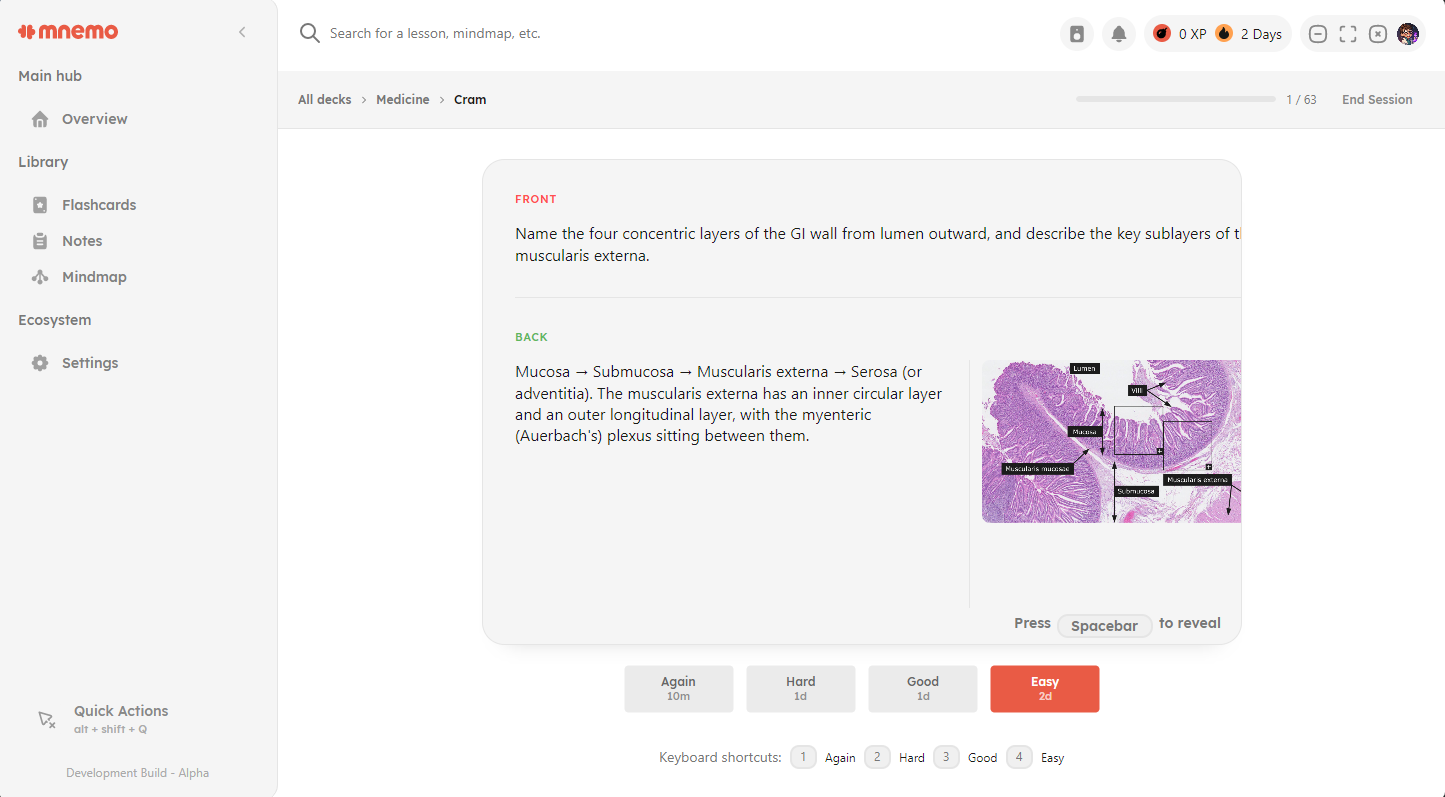
Flashcards with spaced repetition
Review cards exactly when you are about to forget them. Mnemo ships multiple scheduling algorithms, keyboard driven review, and decks with images and rich formatting.
Mnemo brings notes, flashcards, and mind maps together in one focused desktop app. It works offline, asks for no account, and keeps your data on your machine.
Free installer for Windows 10 and 11, x64. v0.6.5 · Apache 2.0 · no account required
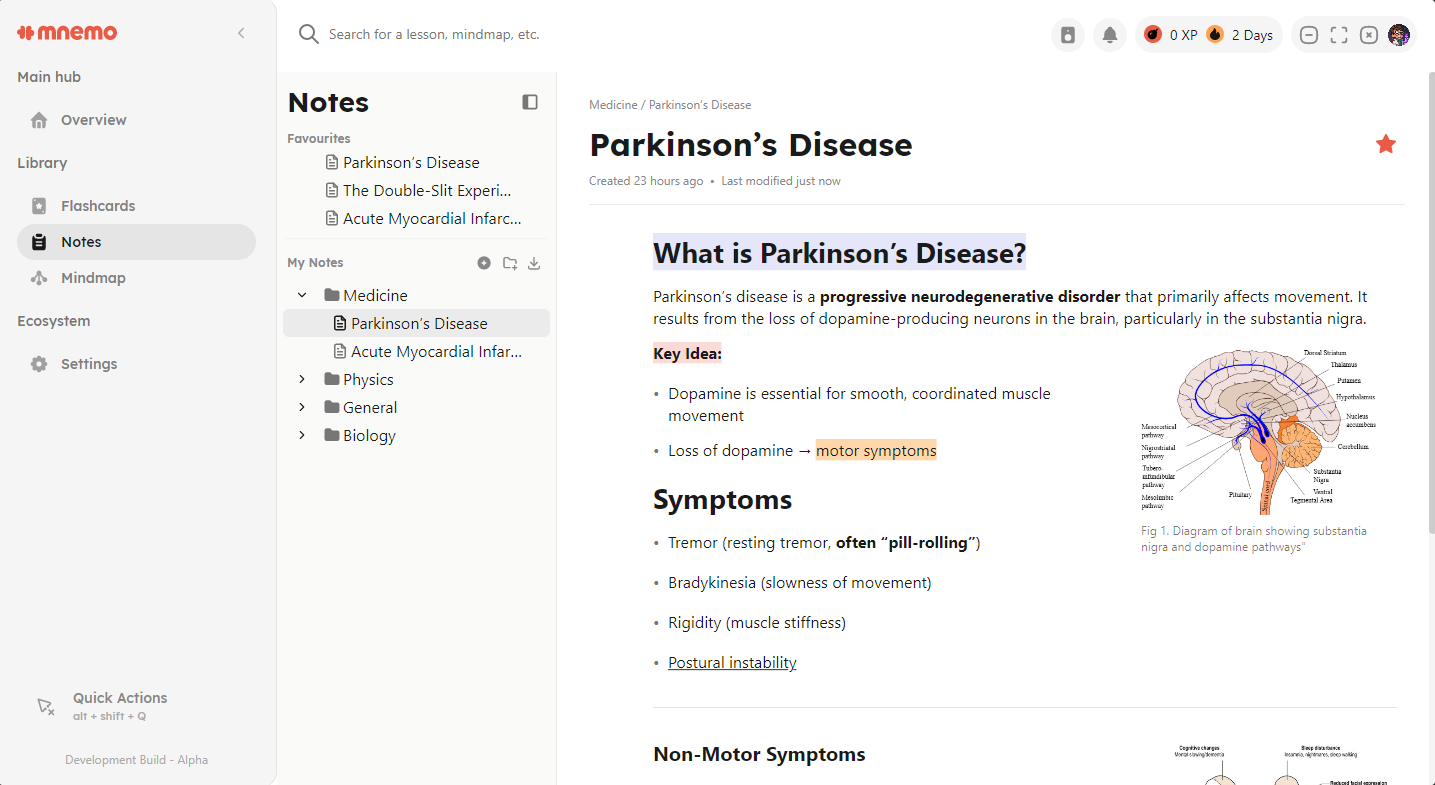
Most study setups are a notes app here, a flashcard app there, and a diagram tool somewhere else. Mnemo keeps them in one window, so what you write can become what you review.
Review cards exactly when you are about to forget them. Mnemo ships multiple scheduling algorithms, keyboard driven review, and decks with images and rich formatting.
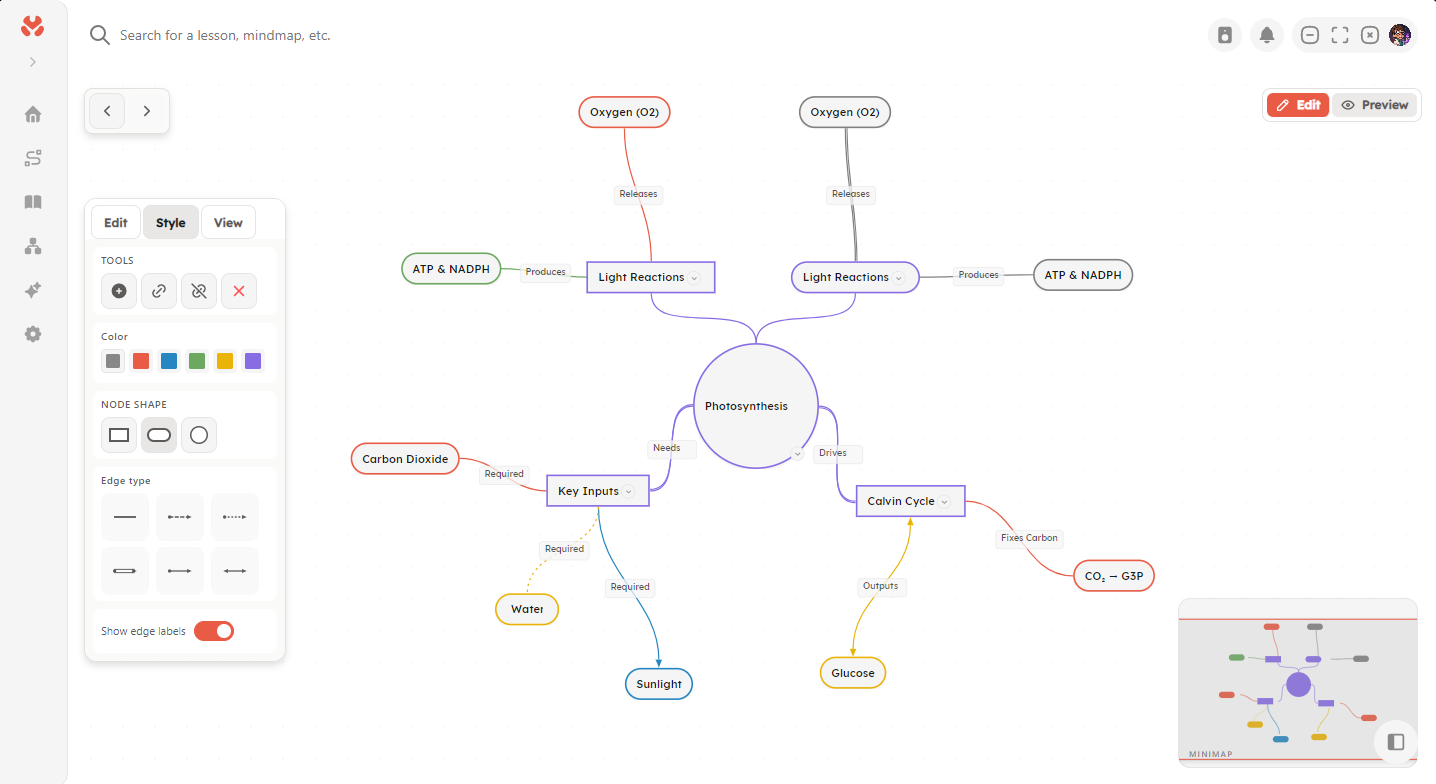
Lay out a topic spatially. Shape, color, and label nodes and edges, then switch between editing and a clean preview when you study.
Write in blocks: text, images, code, and Sketch blocks for quick diagrams. Drag blocks to rearrange, and export finished notes to PDF.
Press Ctrl K (or Cmd K) and jump to any note, deck, or mind map.
A command overlay for common tasks, so your hands stay on the keyboard.
Remap shortcuts to match the tools you already know.
A dashboard with review stats, recent decks, and study goals at a glance.
Light, dark, and a theming system for making the app yours.
Translation infrastructure is in place with multiple languages.
New material fades fast. A century of memory research, starting with Ebbinghaus, shows that retention drops steeply within days unless you revisit the material. Spacing reviews out and actively recalling answers flattens that curve.
Mnemo is built on those two ideas: spaced repetition schedules your reviews before you forget, and flashcards force recall instead of rereading.
The research behind MnemoMnemo is offline first. There is no account to create, no server collecting your study habits, and no subscription waiting at the end of a trial. The current release performs no cloud synchronization at all.
Mnemo is in active development and not feature complete. Here is what the team is building now, plus a few ideas further out. Current releases may include incomplete or disabled versions of in-progress work.
Download it, open it, and start writing. No signup, no trial clock.
Free installer for Windows 10 and 11, x64. v0.6.5 · Apache 2.0 · no account required
Prefer to read first? Browse the documentation or the source code.